For Developers
WebSerial API
Enable direct serial communication between Chrome and your devices using JavaScript no native installation or system drivers required.
Overview
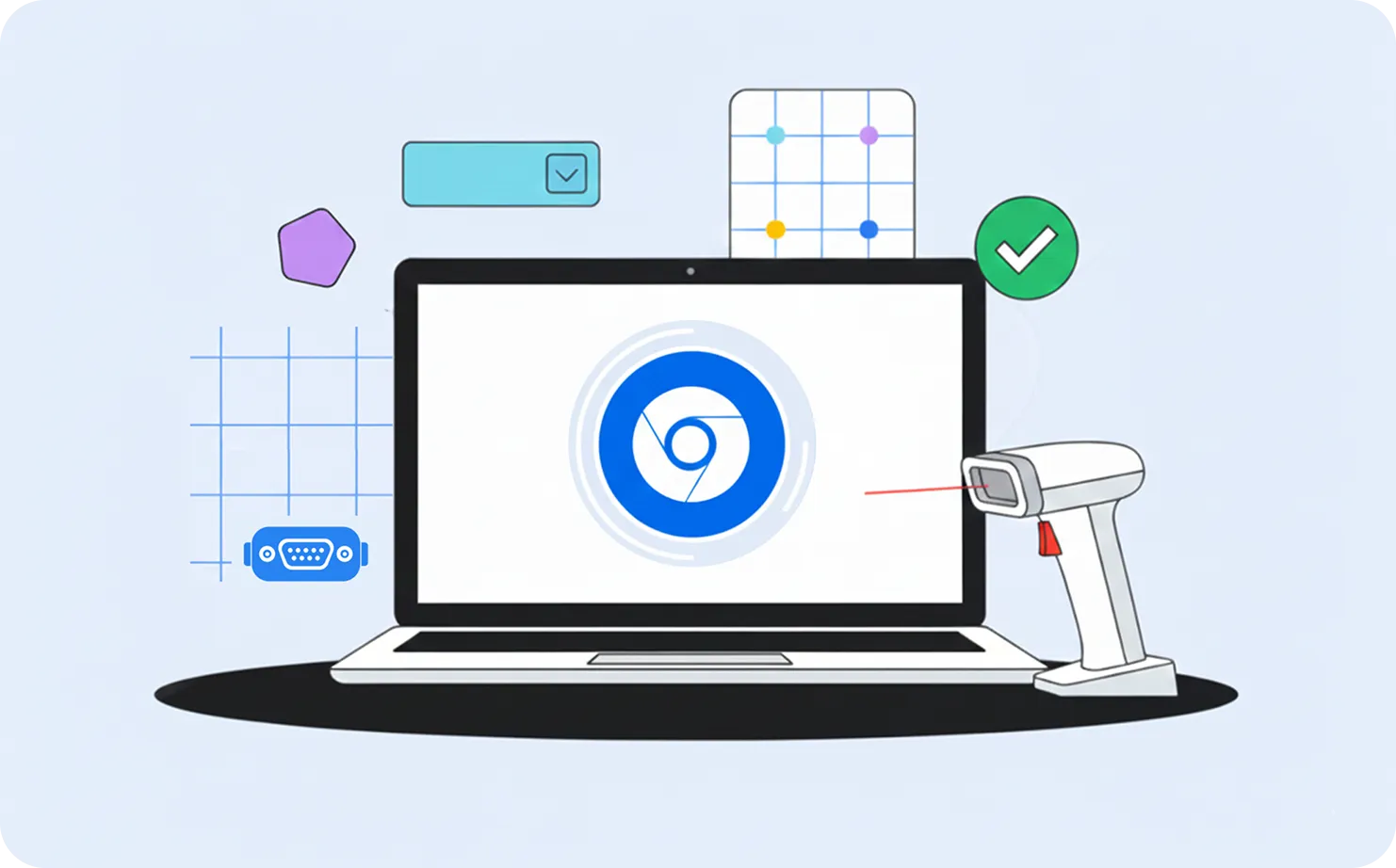
The WebSerial API allows websites to connect directly to devices that communicate over serial ports or Bluetooth RFCOMM channels.
It’s ideal for devices such as microcontrollers, sensors, point-of-sale peripherals, and other embedded hardware all from within the browser.
Chrome manages permissions and connections securely, making it simple for developers to exchange serial data without custom driver installation.
How It Works
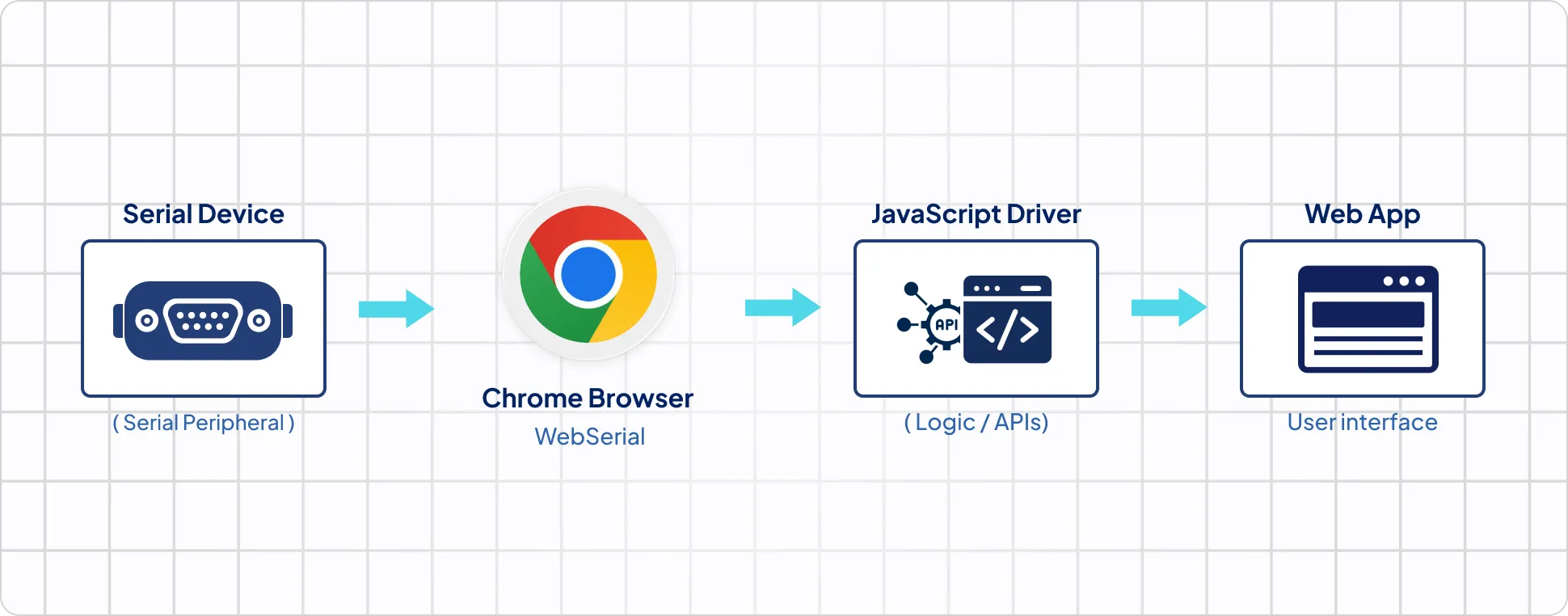
The WebSerial API opens a secure, permission-based serial channel between Chrome and your device, enabling direct read/write access through JavaScript.
Key Features
Testing & Development
You can test WebSerial connections directly from Chrome DevTools or using browser-based sample apps.For devices using USB-to-Serial adapters, no additional drivers are needed on most platforms.
Use Cases
Device Configuration & Debugging
Connect to and configure embedded devices directly from the browser ideal for microcontrollers, development boards, or robotics systems.
Real-Time Data Streaming
Stream live data from sensors, IoT modules, or diagnostic tools for monitoring and analytics dashboards.
Industrial & POS Control
Manage and control lab instruments, industrial peripherals, or point-of-sale systems using secure, browser-based interfaces.
Education & Prototyping
Enable students and engineers to experiment with serial devices without installing extra software.
Compatibility Information
Works On:
Windows, macOS, Linux, ChromeOS
Not Supported:
iOS
Bluetooth Support::
Partial (RFCOMM channels)
Key Technical Notes
Tip
Platform Notes
When to Use WebSerial
Use WebSerial when your device
Tags