For Developers
WebUSB API
Enable your hardware to communicate directly with Chrome using standard USB interfaces no native drivers or installs required.
Overview
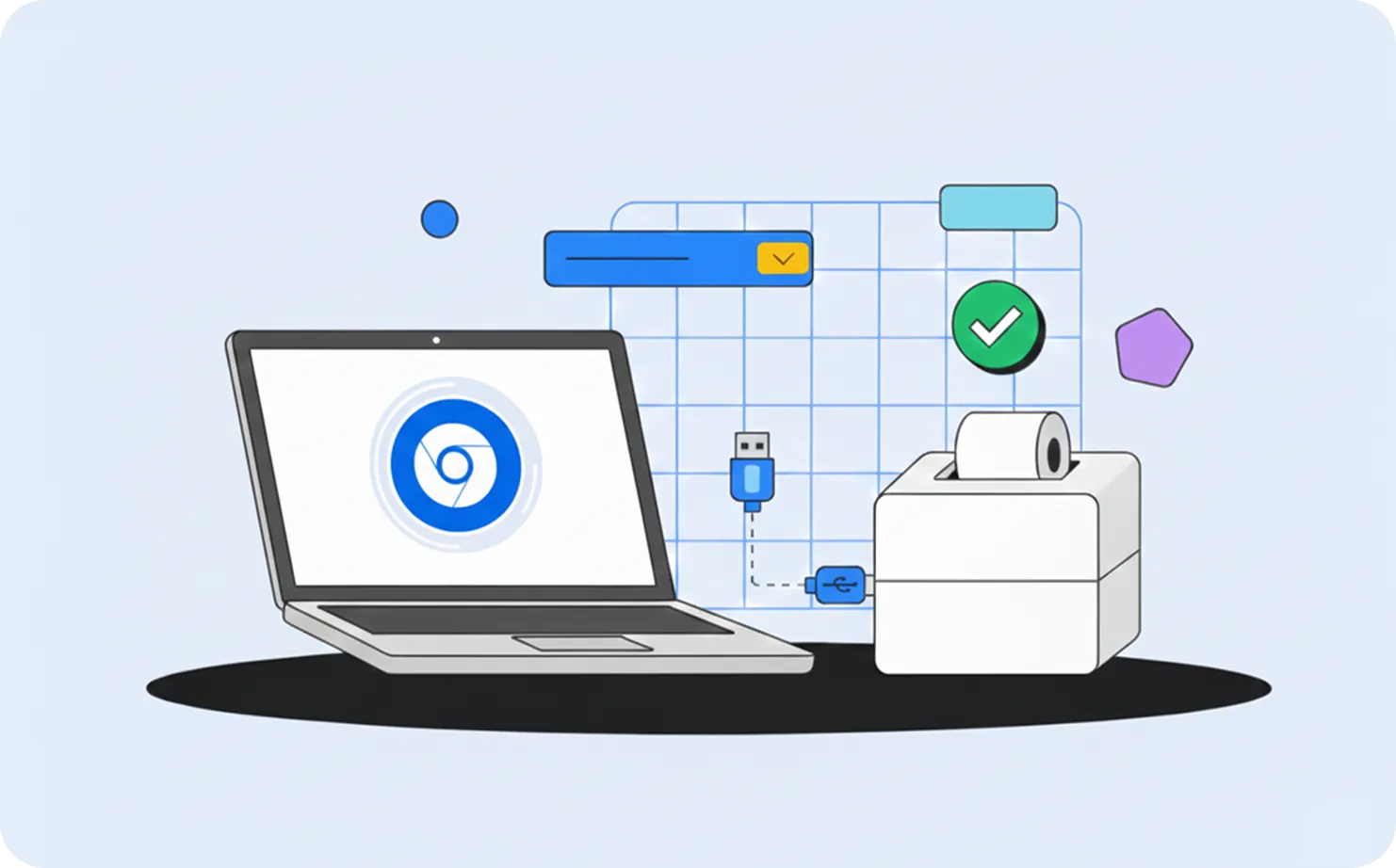
WebUSB allows web applications to communicate directly with USB devices from Chrome – bridging the gap between web-based experiences and traditional hardware.
It's ideal for devices such as printers, scanners, and payment terminals, delivering secure, cross-platform connectivity without OS-specific drivers.
How It Works
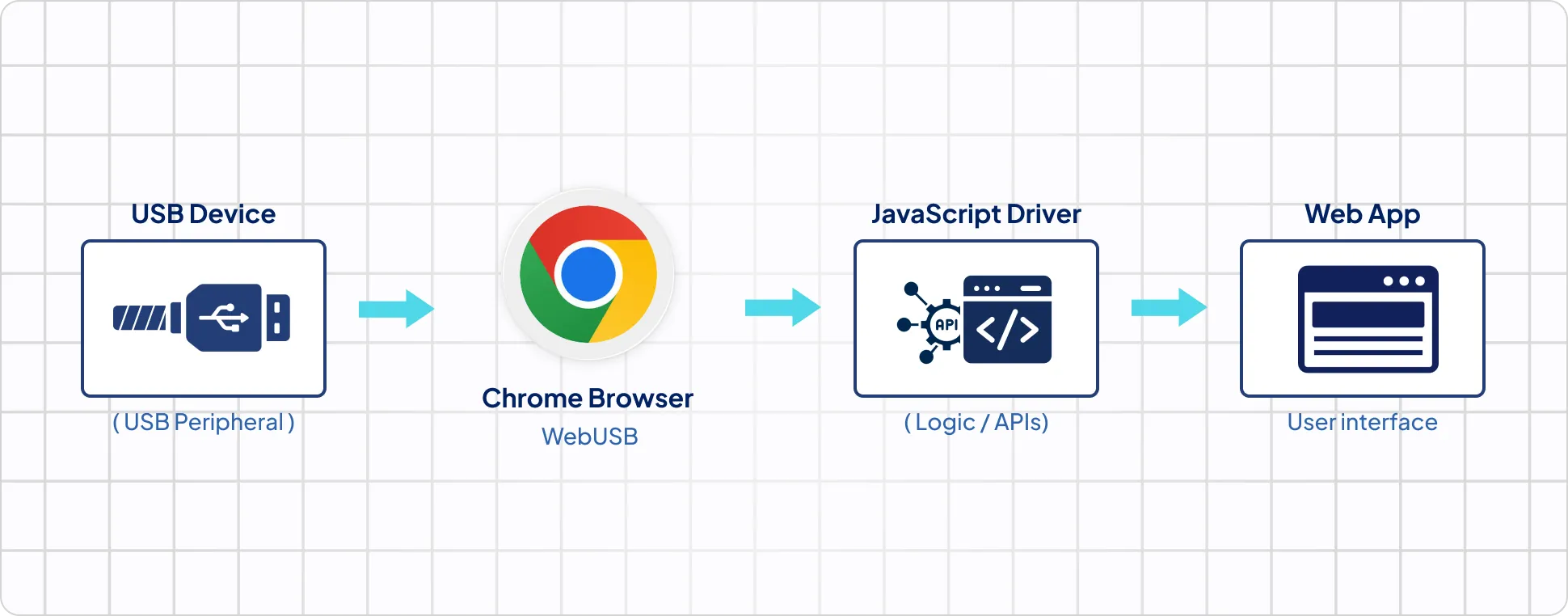
The WebUSB API provides a permission-based bridge between Chrome and your hardware. Users approve access before the browser can communicate with the device.
Key Features
Testing & Development
You can test WebUSB connections directly from Chrome DevTools or using browser-based sample apps. For most USB devices, no additional drivers are needed on macOS, Linux, ChromeOS, or Android.
Use Cases
Retail & POS
Enable secure, browser-based communication with barcode scanners, receipt printers, and card readers—no native drivers needed.
Manufacturing & Testing
Monitor and control USB-connected devices directly from Chrome dashboards or QA tools.
Healthcare & Lab Devices
Streamline access to diagnostic or measurement tools using permission-based WebUSB connections.
Education & Makers
Let students, hobbyists, and developers interact with hardware instantly from the browser.
Compatibility Information
Works On:
Windows, macOS, Linux, ChromeOS
requires:
WinUSB on Windows
Not Supported:
iOS
Key Technical Notes
Tip
Platform Notes
When to Use WebUSB
Use WebUSB when your device
Tags